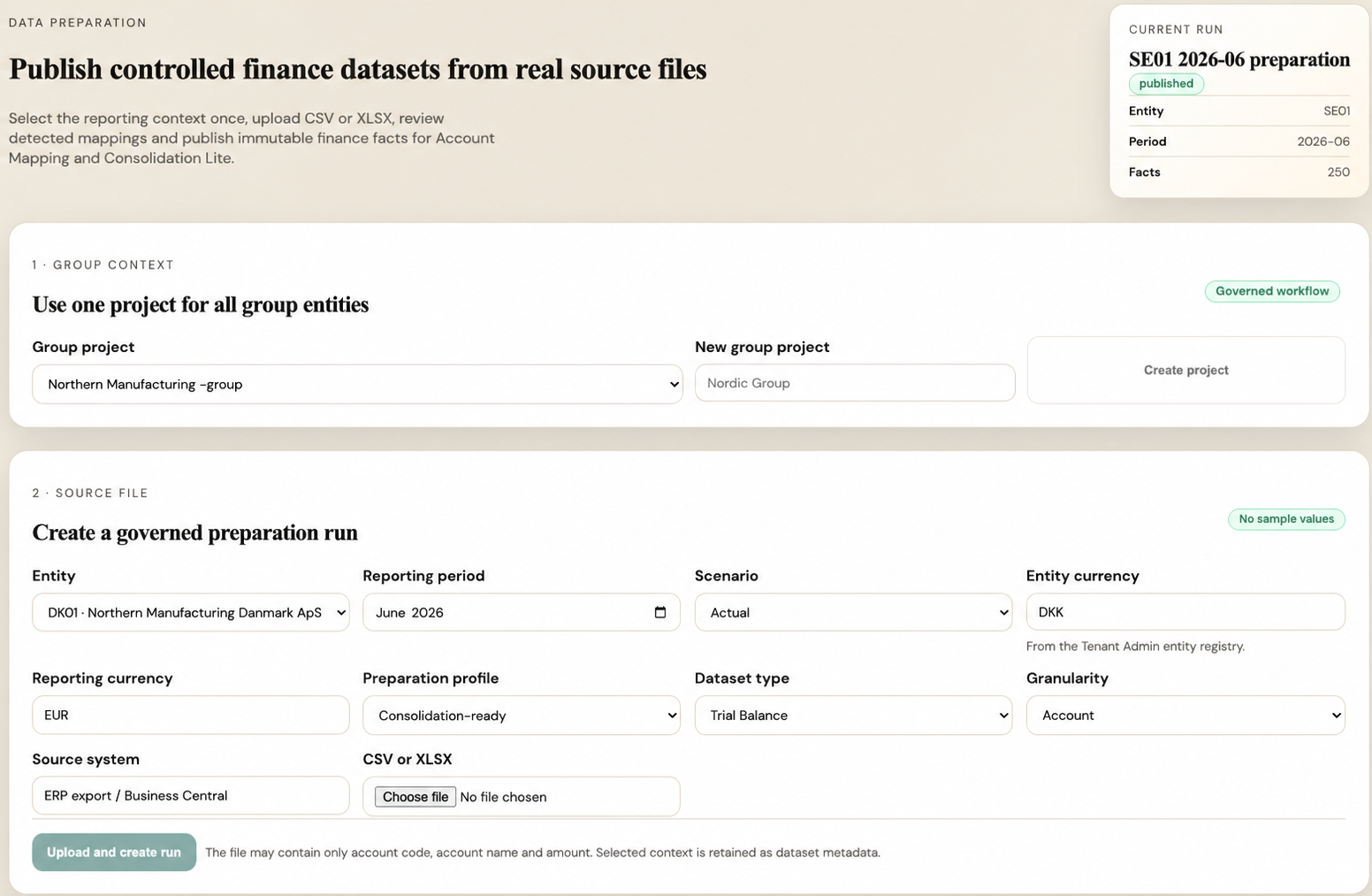
Step 1Summary upload
A monthly trial balance with period, entity, account, amount, currency, and key dimensions skips Data Preparation AI and continues to Account Mapping AI.
Step 2Raw ERP export
A transaction-level export with journal, voucher, or invoice rows triggers Data Preparation AI before reporting.
Step 3Profiling
The system detects ERP, language, currency, dimensions, row count, source grain, and likely reporting fields.
Step 4Aggregation
Raw data is reduced by month, entity, account, cost center, project, and selected dimensions.
Step 5Validation
Totals, signs, fiscal periods, currencies, duplicate rows, and mapping handoff readiness are checked.
Step 6Dataset publish
Only a published dataset feeds Monthly Close, Consolidation Lite, Variance Analysis, Estimate, and Management Pack.