Problem
What finance teams are trying to fix
Forecast updates often spread across spreadsheets, assumptions, emails, and management comments without a consistent review trail.
 Book a Demo
Finance AI Feature
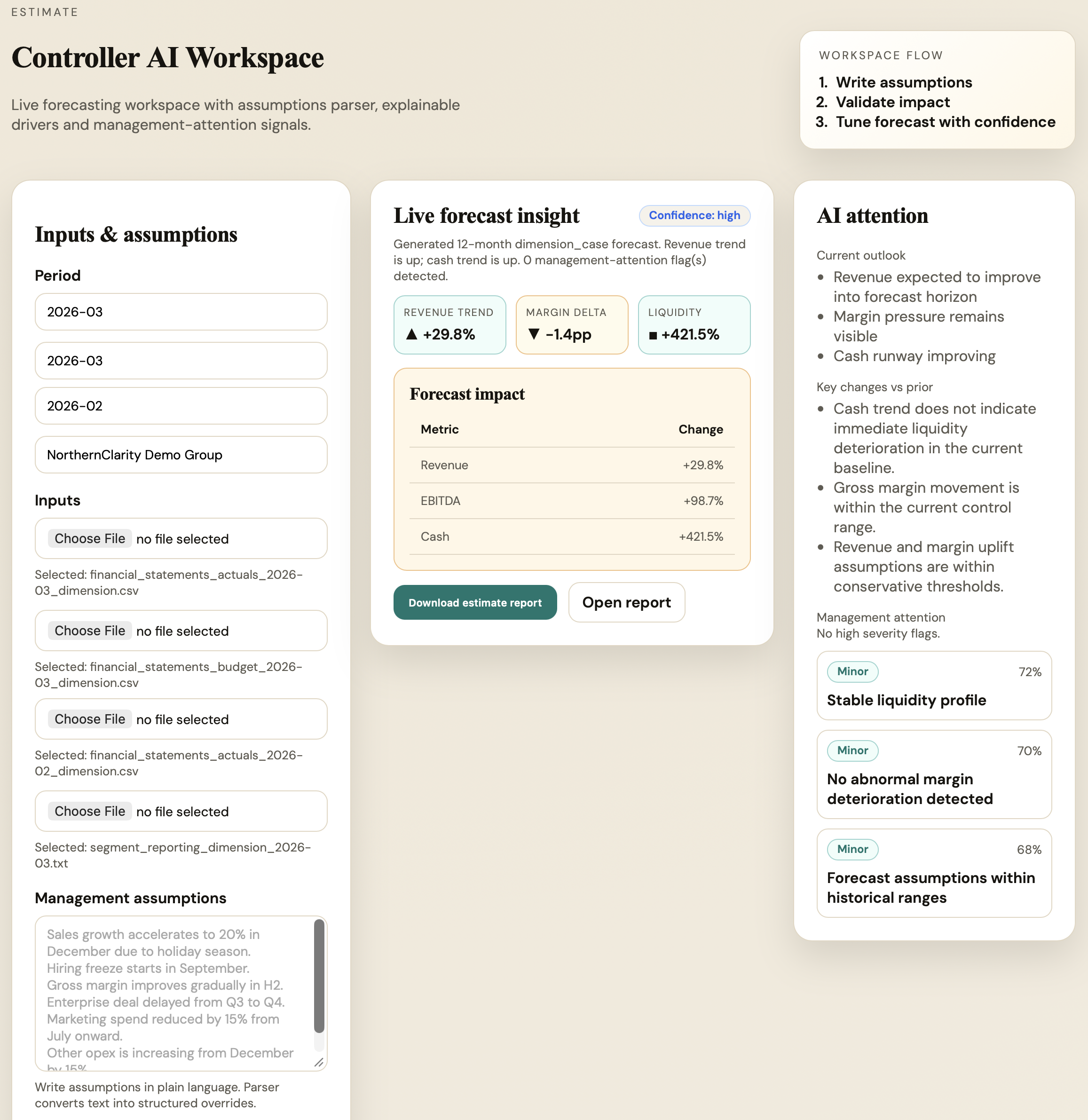
Early AccessFinance AI helps teams convert current performance, management assumptions, and forecast drivers into a structured estimate review.
Early Access
Start with the finance data and reporting workflow you already use. We agree the practical scope, controller review points, and customer-specific onboarding together.
Early Access is a tailored product engagement, not an automatic approval of every use case or accounting judgement.
Problem
Forecast updates often spread across spreadsheets, assumptions, emails, and management comments without a consistent review trail.
Why it matters
The Estimate workflow centralizes assumptions, highlights attention areas, structures forecast commentary, and turns review into clear outputs.
Before / After
| Before | After |
|---|---|
| Fragmented files and comments | Single finance workflow |
| Manual analysis drafts | AI-assisted reviewable draft |
| Email-based approvals | Built-in review trail |
| Recurring formatting work | Reusable export output |
Typical results
Finance teams typically use Estimate & Forecast to:
How it works
Key capabilities
Typical finance workflow
Related workflows
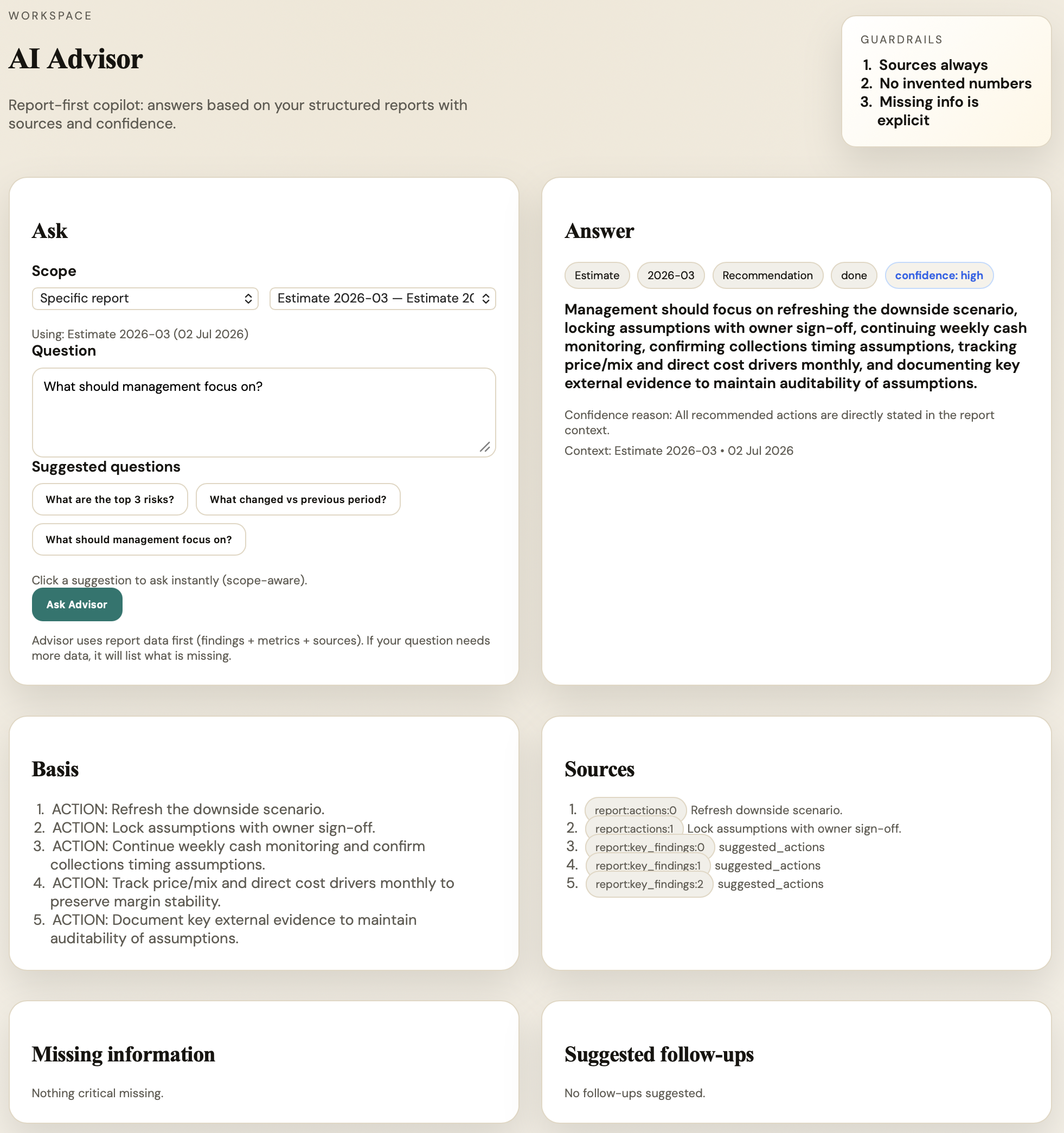
Screenshots
Who is it for
Inputs & roadmap
Planned integrations are based on customer demand and implementation priorities. See the integration roadmap and current statuses.
FAQ
It is a finance workflow for reviewing rolling estimates, assumptions, forecast drivers, risks, and management commentary.
Yes. The workflow is designed to capture assumptions and connect them to forecast impact and review notes.
No. It is focused on practical estimate and forecast review workflows rather than replacing enterprise planning systems.
Related features
Practical finance experience
Designed using practical experience from listed companies, outsourcing environments and multinational finance teams.
Trust
Book Demo
Use the public page for discovery. The actual workspace remains protected behind login.